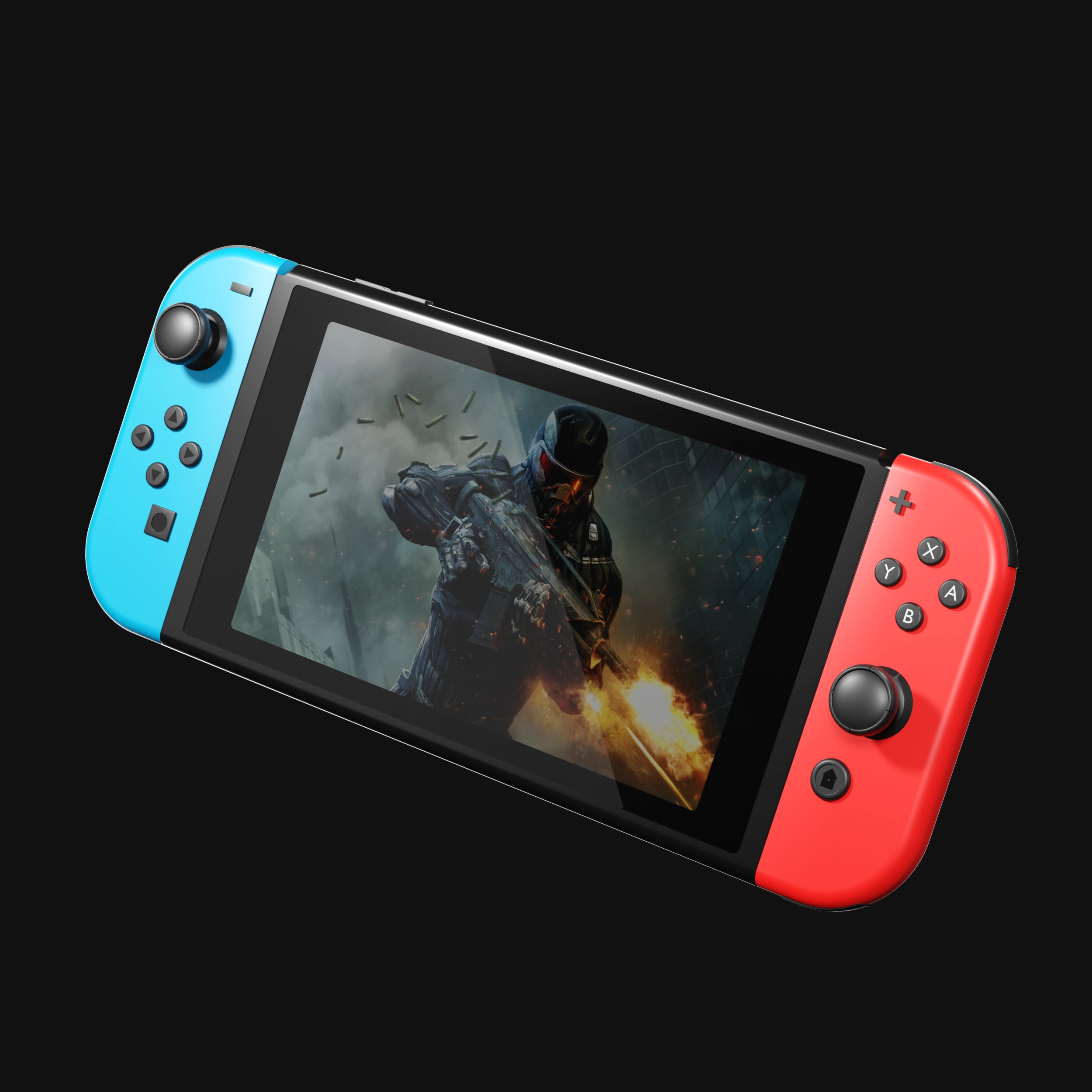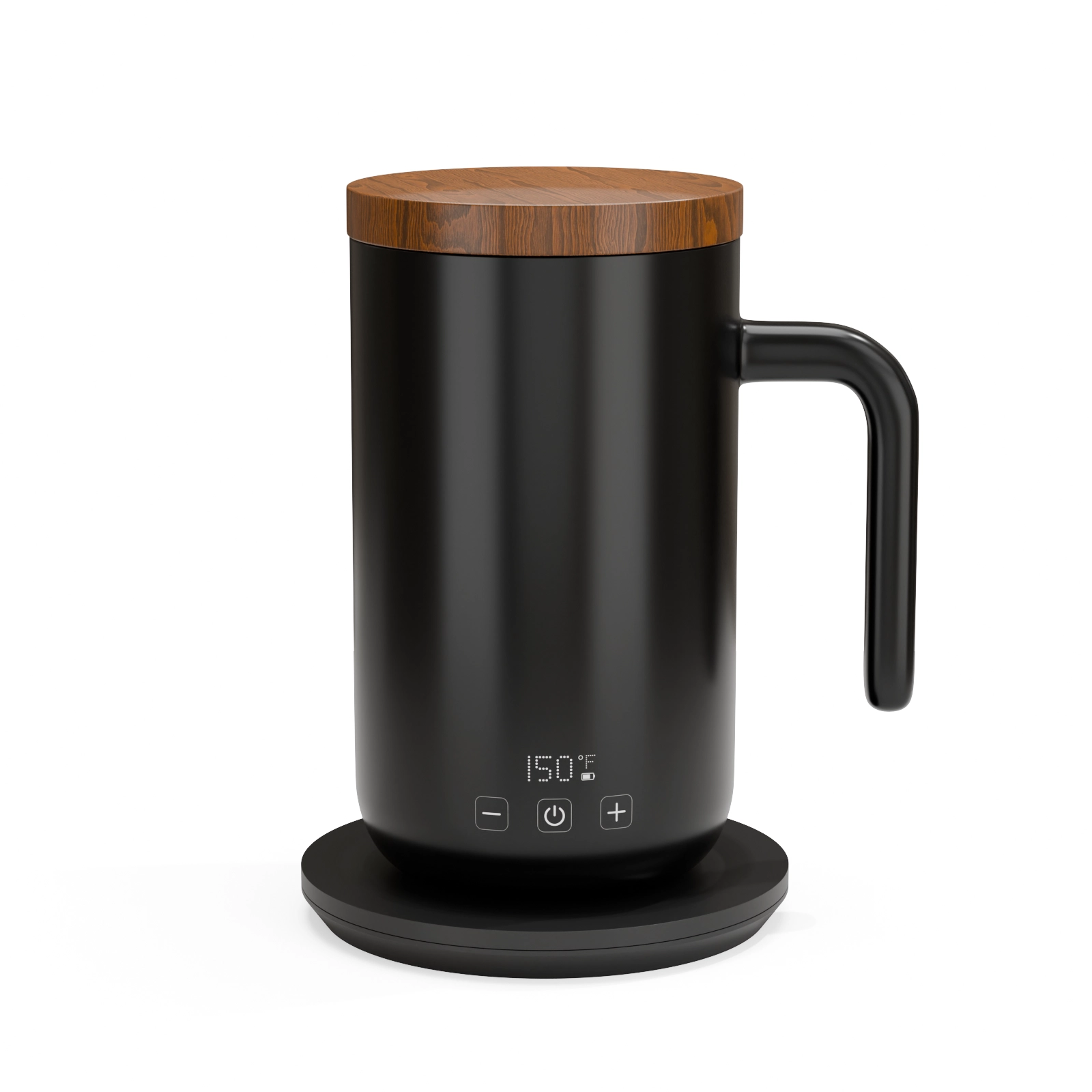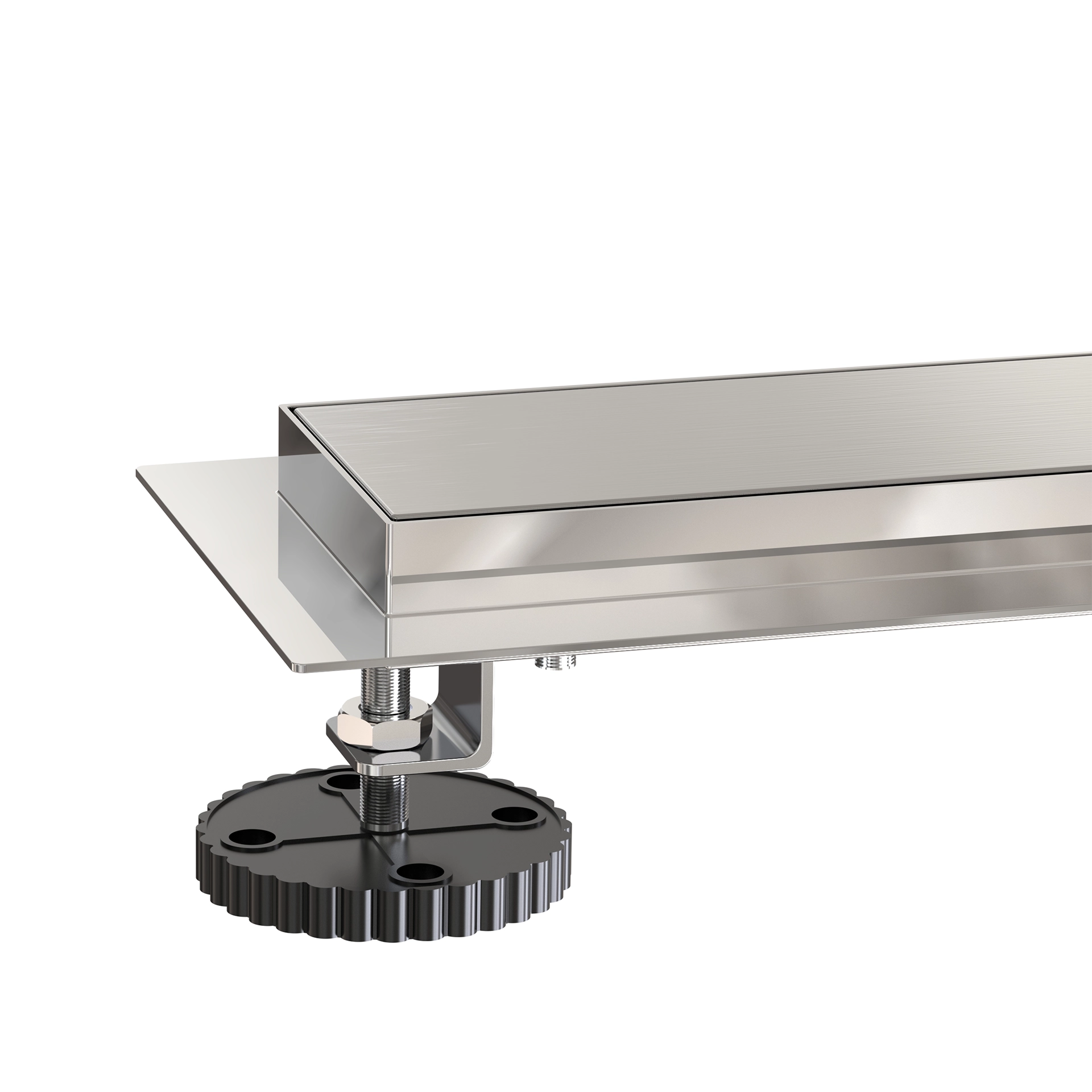
"I don’t have any 3D files, can you still render my product?" is probably the question we hear most often. The answer is yes, and this article explains exactly what works, from the ideal case down to the bare minimum.
The ideal: CAD files
If your product was designed by an engineer or industrial designer, CAD files exist somewhere, ask your manufacturer if you do not have them. The formats we can work with directly:
- STEP / STP, the universal exchange format, our favorite
- IGES / IGS, older but perfectly usable
- Native files from SolidWorks, Fusion 360, Rhino, and similar
- STL, usable, though it loses the clean surfaces of the formats above
CAD gives us your product’s exact geometry, which means dimensional accuracy down to the millimeter. What CAD does not contain is materials; a STEP file has no idea whether a surface is chrome or matte rubber. That part is our job, guided by your reference photos or material specs.
Very good: a physical sample
No CAD? Ship us nothing, just photograph the product thoroughly. What we need:
- Photos from every side, plus three-quarter angles
- Close-ups of textures, logos, seams, and any engraved details
- Overall dimensions (a tape measure and thirty seconds)
- Close-up shots of the label or packaging artwork, or better, the original print files
Phone photos in daylight are genuinely fine. We are not using them in the final image; we are using them as blueprints to rebuild the product digitally.
Workable: spec sheets and sketches
For products still in development, we regularly model from spec sheets, technical drawings, and sketches. One of our fitness-mat clients had no physical sample at all; the entire listing was rendered from spec documents before the first production run.
The trade-off: expect an extra review round, because we will be making judgment calls about small details the documents do not cover.
Label and packaging artwork: one special rule
Whatever you have for artwork, send the source files, AI, PDF, or high-resolution PNG straight from your designer. A label re-photographed from the product always looks slightly soft when applied to a razor-sharp render. Original artwork is the difference between "nice render" and "is that a photo?"
What happens after you send files
We audit what you have sent, flag anything missing within a day, and only then start modeling, so you are never surprised mid-project. The full workflow is documented in our step-by-step process article.
Not sure if what you have is enough? Send it over anyway, reviewing files costs you nothing, and the $130 test render exists precisely so you can check our output on your real product before committing to anything bigger.
See this quality on your own product
First-time clients get a complete, high-resolution 3D render of their product for $130. Judge the quality before committing to a full package.