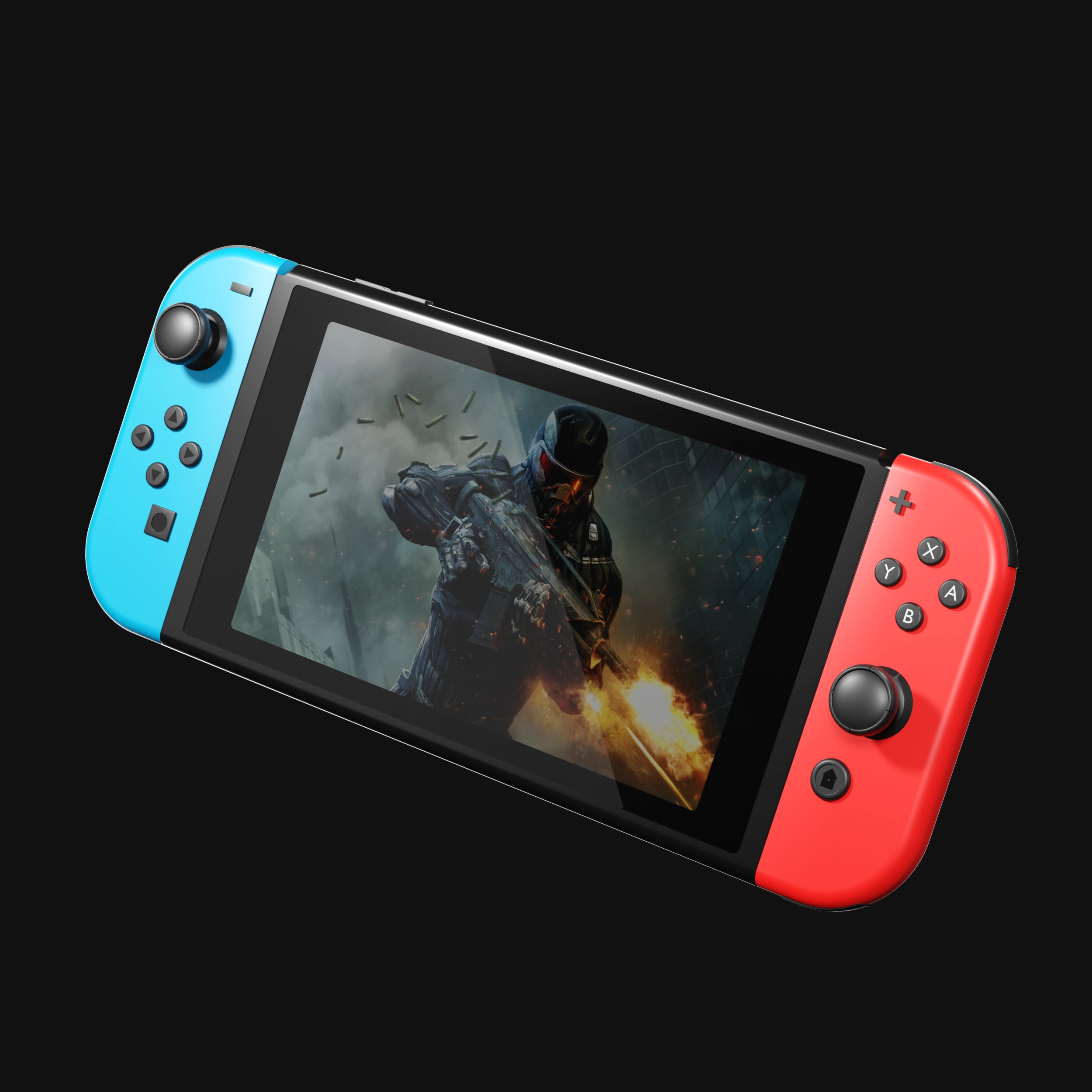
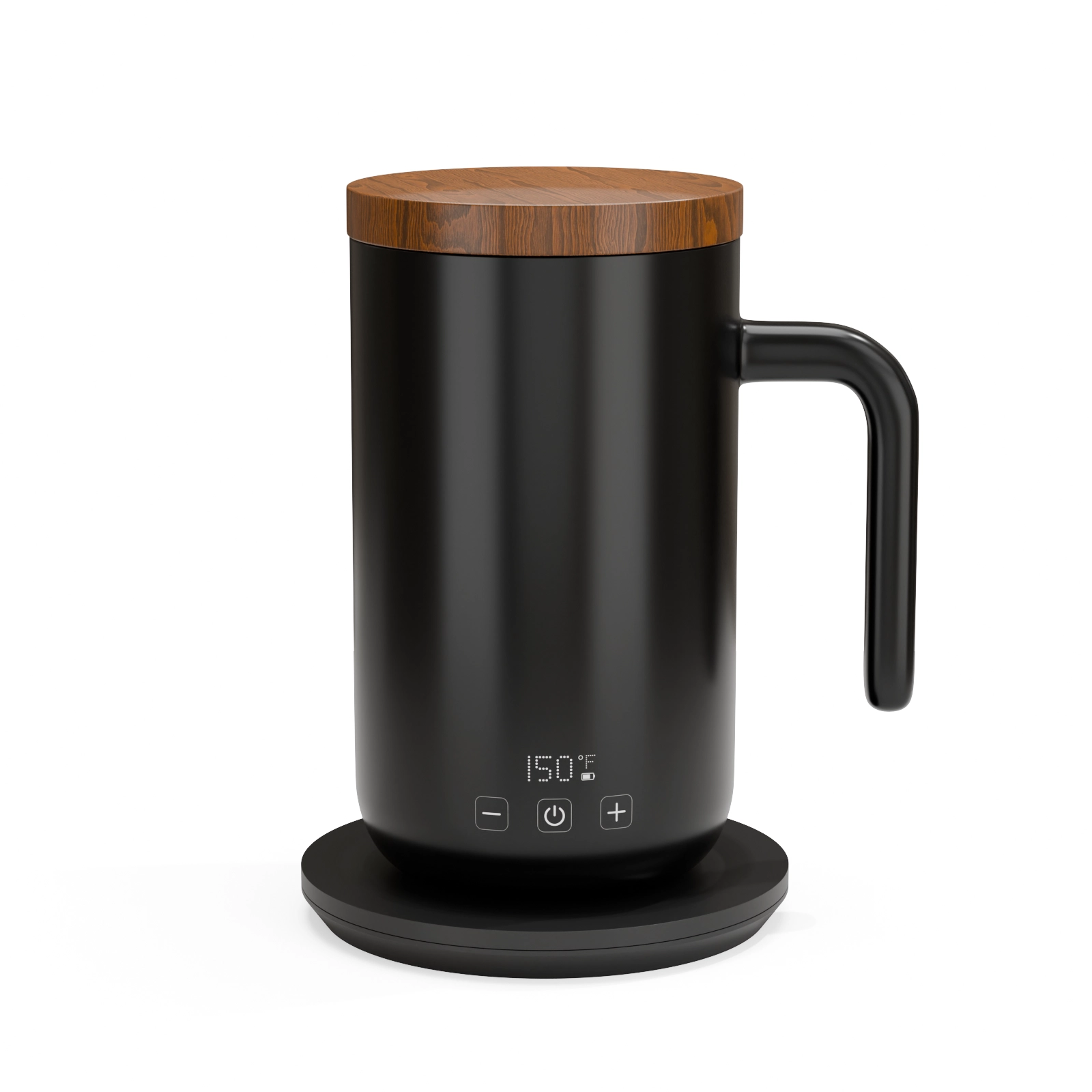
If you have ever admired a "photo" of a car, a phone, or a perfume bottle in an ad, there is a good chance no camera was involved. That image was a 3D render, a picture generated entirely inside software, from a digital model of the product.
This guide explains what that means in practice, without the technical vocabulary.
So what exactly is a 3D render?
A 3D render starts with a digital twin of your product: a model built in software that matches your product’s exact shape and dimensions. An artist then applies materials to it, glass that refracts light like real glass, brushed aluminum, soft-touch plastic, fabric weave. Finally, the scene is lit with virtual lights, a virtual camera is positioned, and the computer calculates how every ray of light would bounce around that scene. The output is an image.
Done well, it is indistinguishable from a photograph. Done very well, it looks better than a photograph, because nothing in the scene has dust, fingerprints, or a slightly crooked label.
How is that different from a photo?
With photography, you need the physical product, a studio, lighting equipment, and a photographer, and every new angle or scene means more shoot time. With rendering, once the digital model exists, every additional angle, color variant, background, or even animation comes from the same asset. Change the label, swap the colorway, place it on a beach or a marble counter: no reshoot.
That is the real economic difference. A photoshoot produces images. A 3D model produces an image pipeline.
What do studios need from you to build one?
Less than most people expect. In our own work we build render-ready models from:
- CAD files (STEP, IGES, SolidWorks) if the product was engineered digitally
- A physical sample we can photograph and measure
- Even a handful of decent phone photos plus dimensions
- For unreleased products: sketches and spec sheets
We wrote a full breakdown of this in what files you need for 3D rendering.
Where ecommerce brands actually use renders
The common ones we deliver every week: Amazon main images and A+ content, Shopify product pages, packaging mockups before the packaging is printed, exploded views that show what is inside a product, macro close-ups of materials, and lifestyle scenes that would cost thousands to shoot on location.
Renders also solve a problem photography physically cannot: showing a product that does not exist yet. Brands validate listings, run pre-orders, and pitch retailers with visuals created straight from CAD, months before the first unit leaves the factory.
Is it expensive?
Usually less than an equivalent photoshoot, and dramatically less once you need variants. We published a transparent pricing guide with real numbers. If you want to judge quality before spending anything serious, that is exactly why we offer a single test render for $130, one product, full resolution, no commitment.
See this quality on your own product
First-time clients get a complete, high-resolution 3D render of their product for $130. Judge the quality before committing to a full package.