A packaging print run is one of the more expensive and least reversible decisions a product brand makes. A misaligned label, a color that reads differently on the actual substrate, or a structural fold that looks fine flat but wrong assembled, all of these are cheap to fix on screen and expensive to fix after a few thousand boxes come off press. Rendering the packaging first closes that gap.
What can go wrong without a mockup
Flat artwork files look correct in a design program and can still look wrong once wrapped around a real box, folded metallic foil catching light unpredictably, a logo that lands on a seam, text that wraps awkwardly around a curved surface. Structural packaging engineers understand this, but marketing and product teams reviewing a flat PDF often do not catch it until physical samples arrive, by which point a full print run may already be committed.
What a 3D packaging render actually shows you
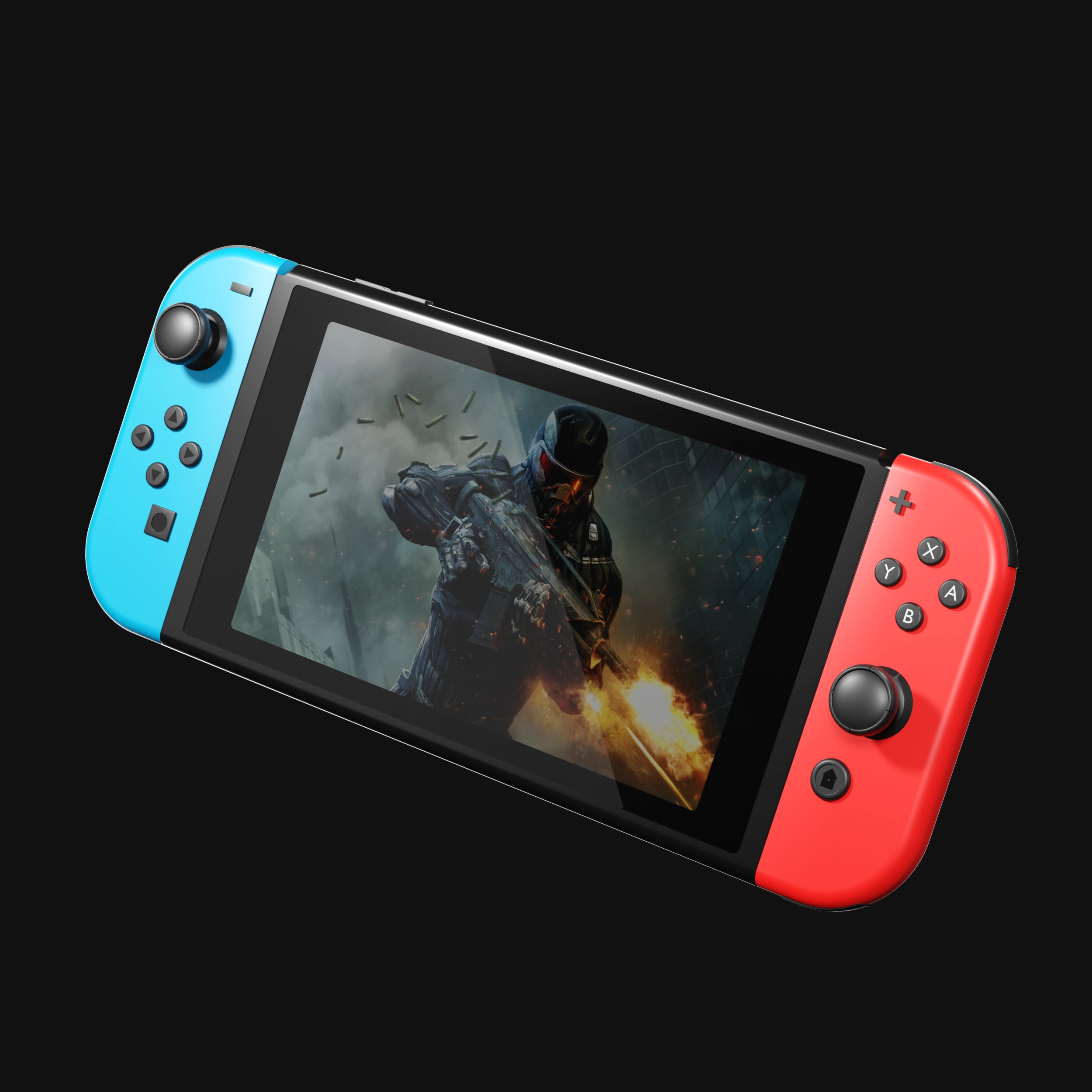
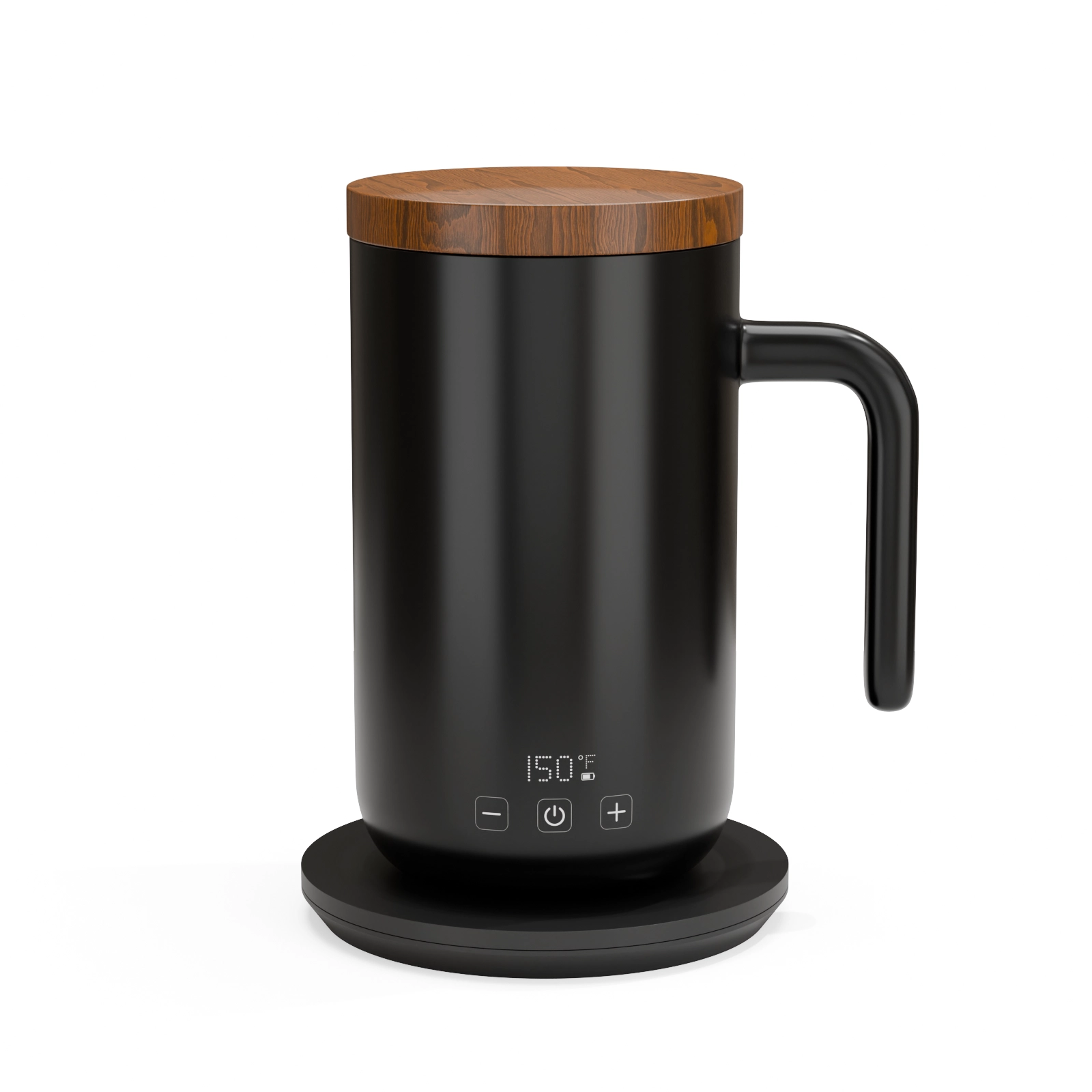
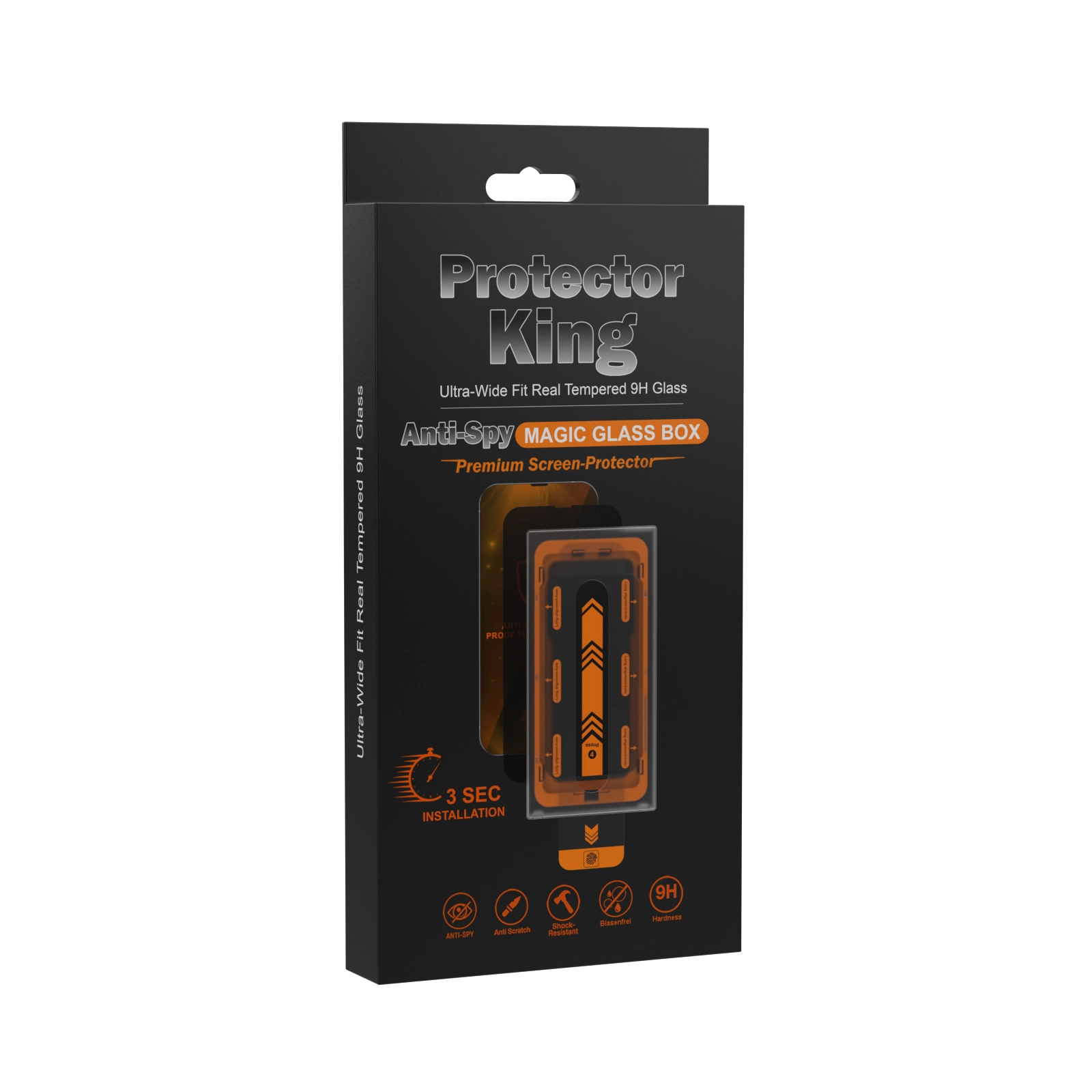
A render applies your real artwork file to an accurate 3D model of the box, tube, or pouch, including its real dimensions, material finish, and lighting behavior. Matte versus gloss coating, foil stamping, embossing, all of these read differently under light and are simple to preview accurately before printing. This is the same technique used for pre-manufacturing product renders, applied to the packaging itself.
Where this helps beyond print approval
- Retailer and investor pitch decks, showing finished-looking packaging before the print run exists
- Crowdfunding pages, where backers respond strongly to polished, final-looking visuals rather than flat design files
- A+ content and listing images, packaging shots often need to sit alongside product shots in the same lighting and style
- Internal approval workflows, letting stakeholders sign off on a realistic preview instead of imagining how flat art will translate
What to send for a packaging render
Your die-line or structural template, the final artwork file at print resolution, and notes on any special finishes, foil, spot gloss, embossing, so those effects render accurately rather than as flat color.
Before your next print run
If you have a packaging refresh or a new product launching soon, catching an error on screen is considerably cheaper than catching it in a warehouse. Start with a $130 test render of your packaging and review it before your print order goes out.
See this quality on your own product
First-time clients get a complete, high-resolution 3D render of their product for $130. Judge the quality before committing to a full package.