Short answer: use every slot Amazon shows shoppers, typically seven visible on most listings, and give each image one specific job. The listings that convert are not collections of nice pictures; they are structured arguments, told in a deliberate order.
Here is the sequence we build for clients, image by image.
Image 1: The hero
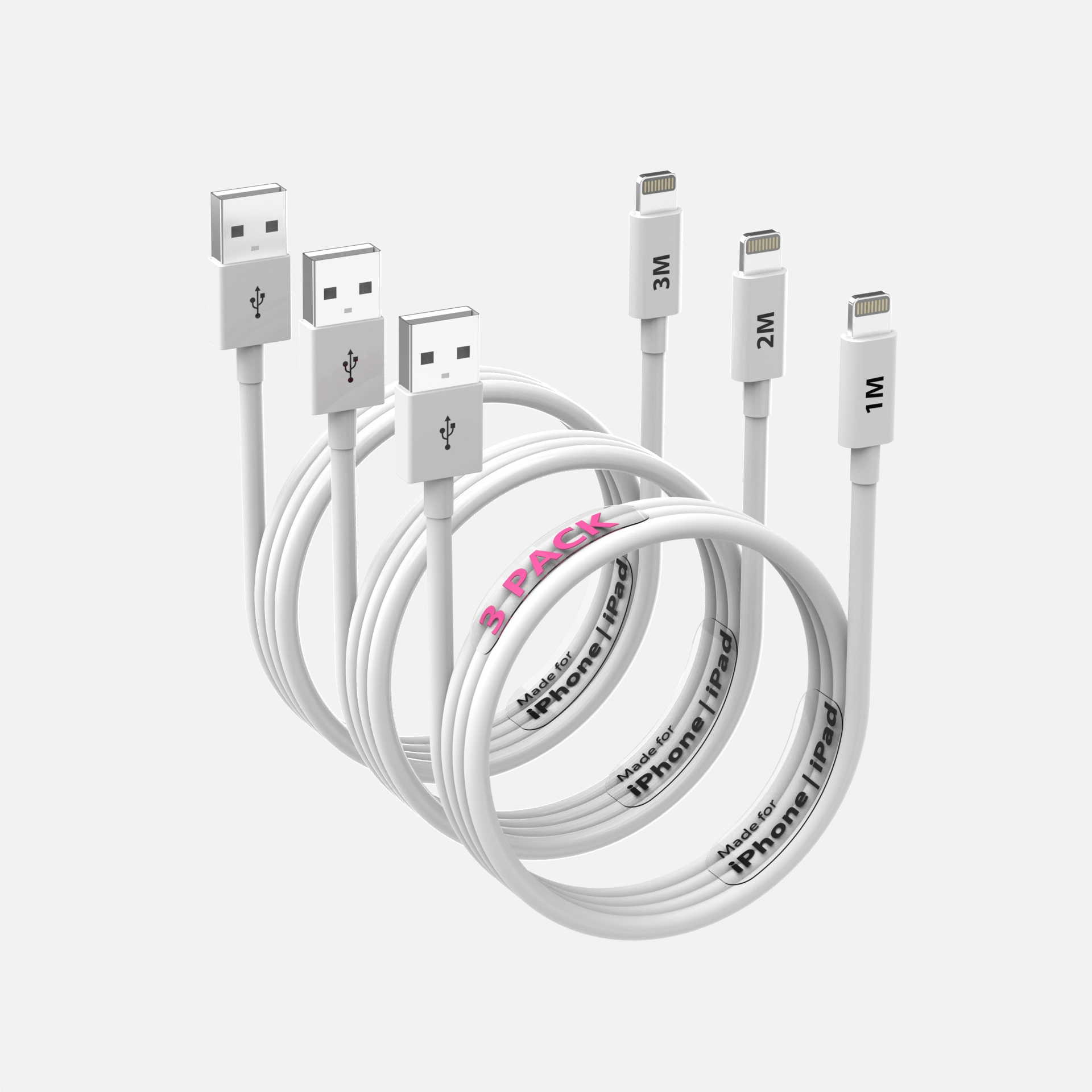
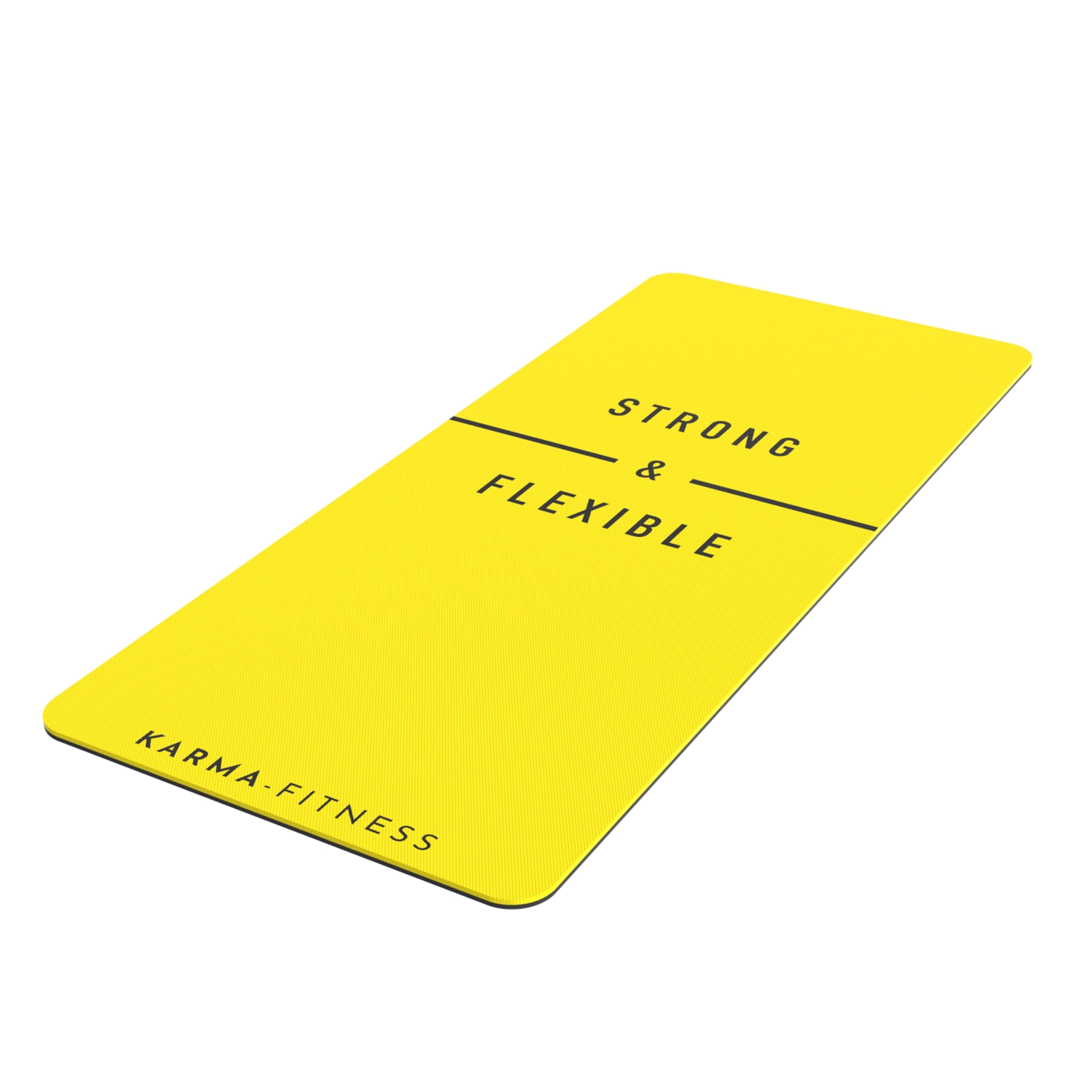
Pure white background, tight framing, three-quarter angle. Its only job is winning the click from search results. Everything else in the listing is irrelevant if this image fails.
Image 2: Scale and dimensions
The first question every shopper silently asks: how big is it? Answer immediately with a dimensions overlay or the product in a context that communicates size. Wrong size expectations are a top returns driver, so this image protects margin as much as it sells.
Image 3: The core benefit, visualized
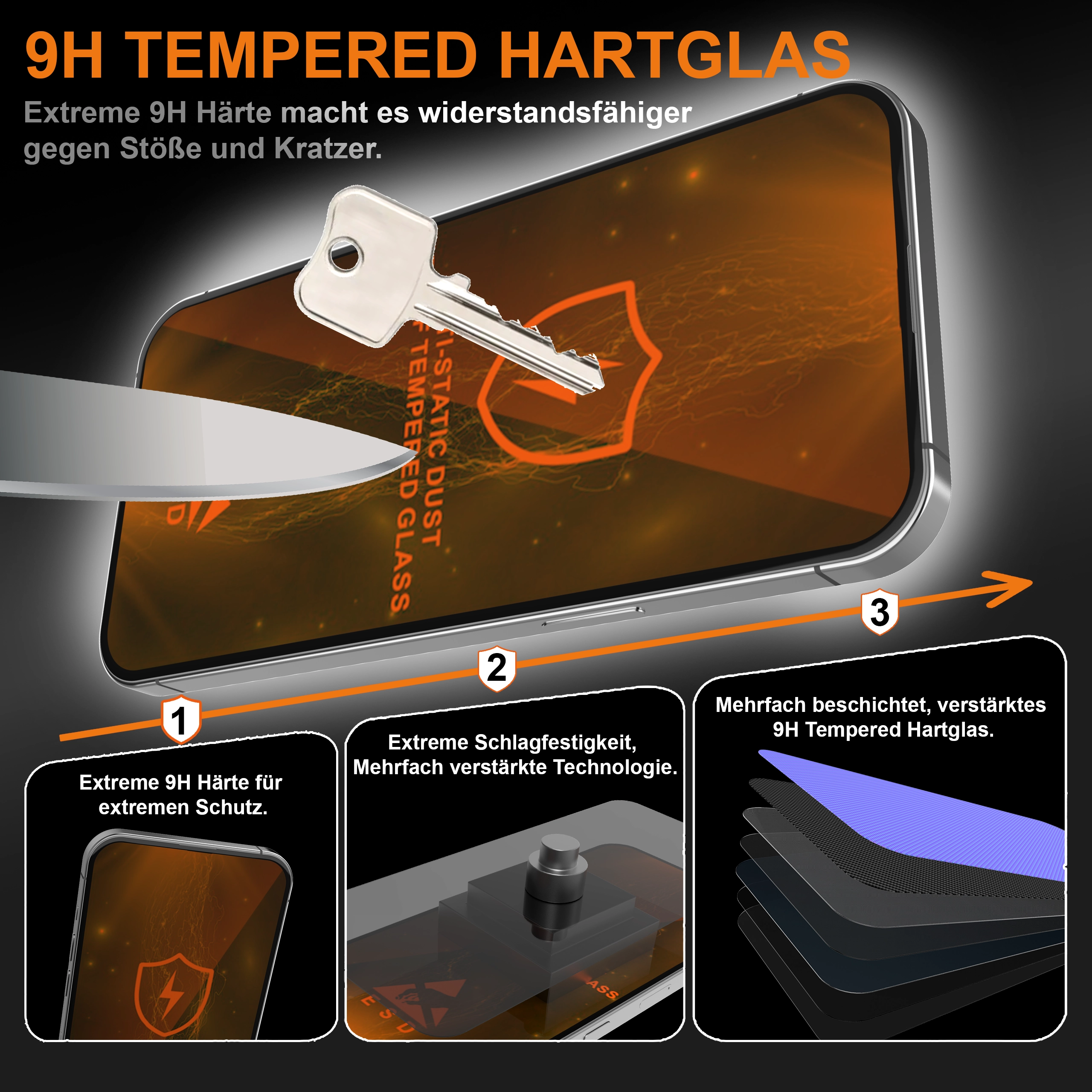
Take your single strongest selling point and make it visual. If the value is internal, layered construction, filtration, mechanism, this is where an exploded or cutaway render earns its keep, showing what no camera can photograph.
Image 4: Material and quality close-up
A macro shot of texture, stitching, coating, or finish. Shoppers cannot touch the product; this image is the substitute for touch. Detail at this magnification quietly communicates that the brand has nothing to hide.
Image 5: How it works or how it installs
A usage sequence, installation steps, or before/during/after panel. Products that look complicated do not get bought; this image removes the "will I manage it?" doubt, and doubles as returns prevention.
Image 6: Lifestyle
The product in its natural habitat, ideally with the customer’s aspiration in frame. Rendered lifestyle scenes let you art-direct the exact setting your brand needs without location costs.
Image 7: Comparison or what’s-in-the-box
Either a fair feature comparison against generic alternatives, or a flat-lay of everything included. Both formats close remaining objections; choose whichever your product’s doubts demand.
Sequence logic
Notice the arc: win the click, kill the size doubt, prove the core value, prove quality, prove ease, sell the dream, close. Clarity first, aspiration late. Listings that open with lifestyle and bury the practical answers force shoppers to dig, and shoppers do not dig, they scroll to the next result.
One model, all seven
The production note that surprises people: all seven images can come from a single 3D model, hero, exploded view, macro, lifestyle, all of it, with perfectly consistent lighting and color across the set. That consistency itself reads as professionalism. See full seven-image sets in our portfolio, or start with the hero for $130 and build the sequence from there.
See this quality on your own product
First-time clients get a complete, high-resolution 3D render of their product for $130. Judge the quality before committing to a full package.