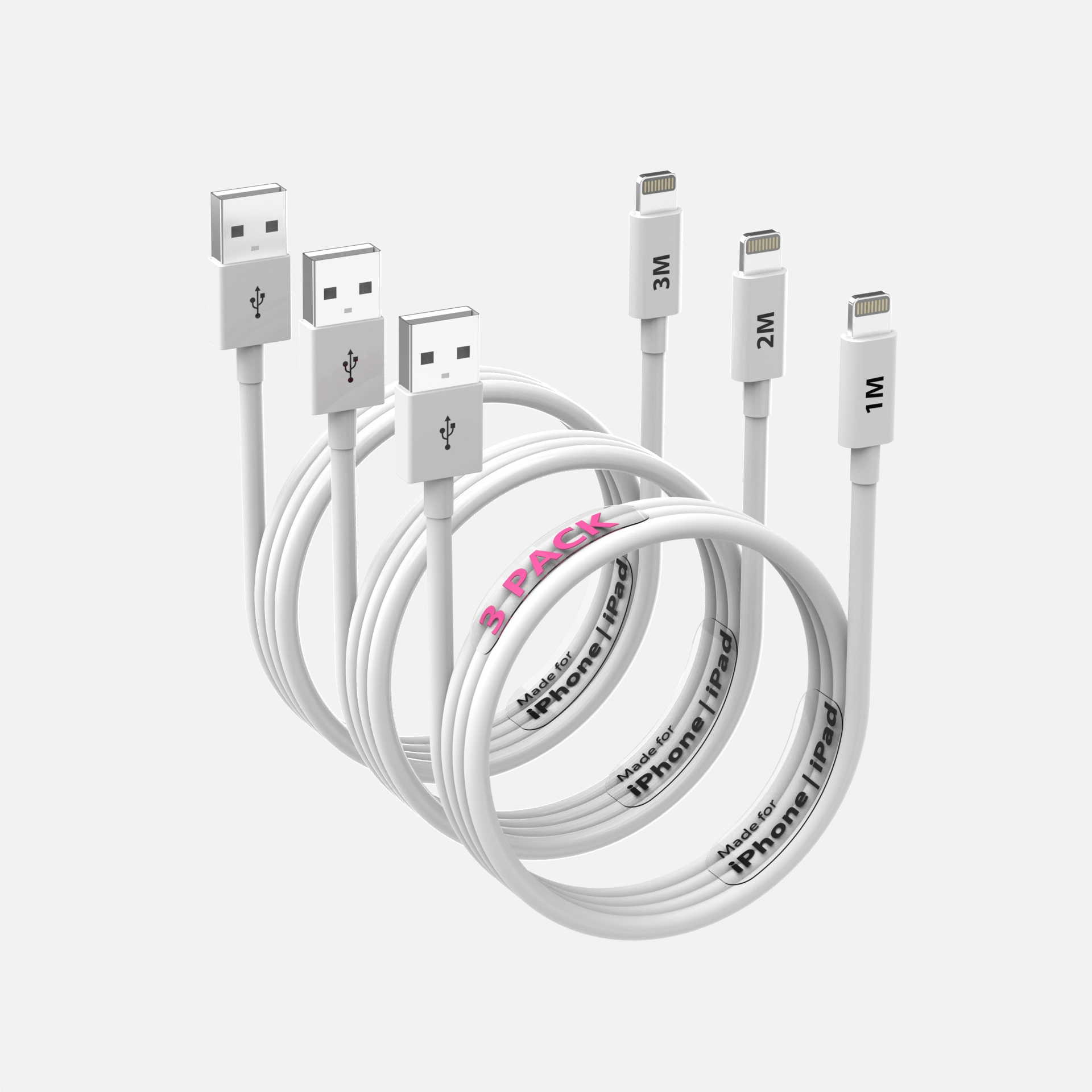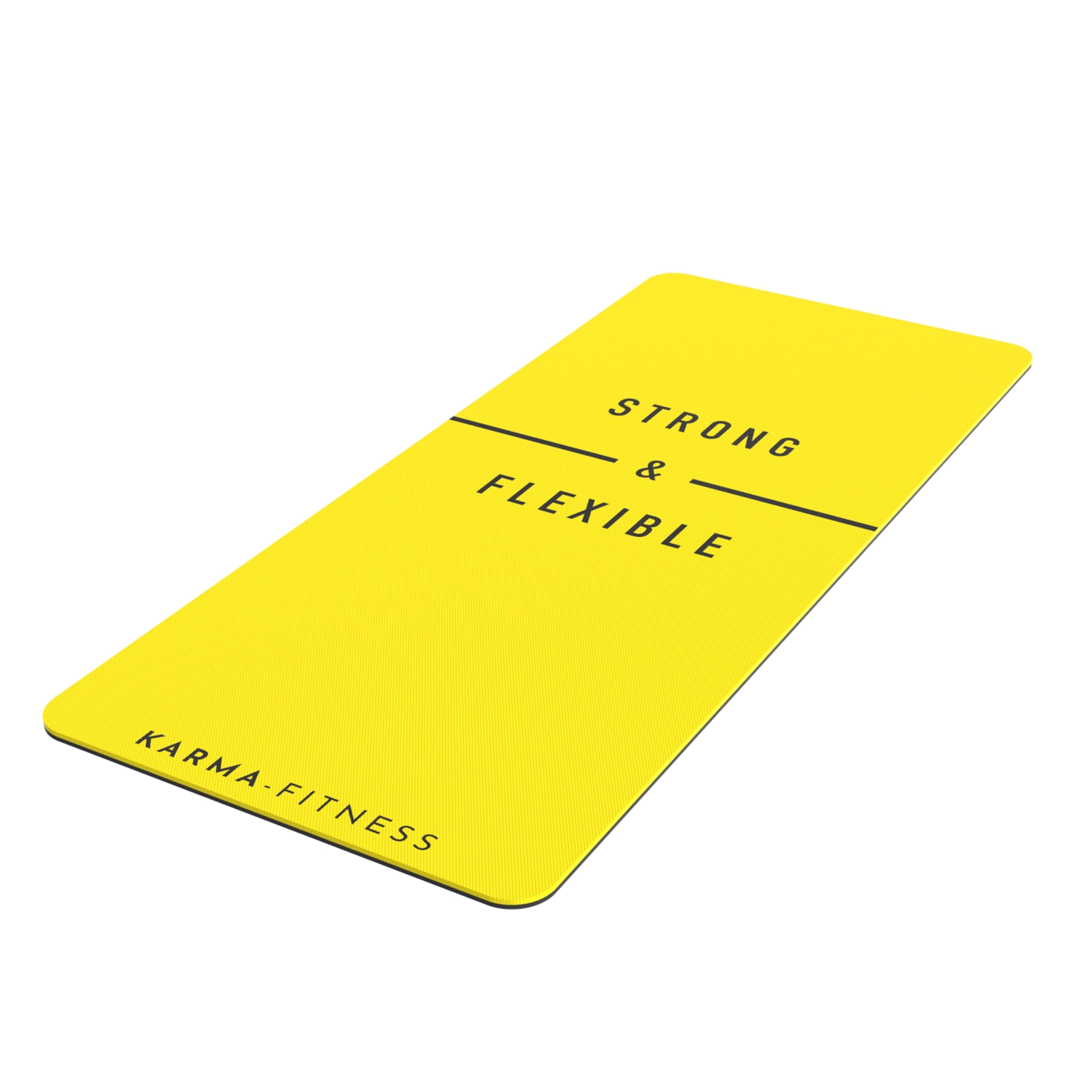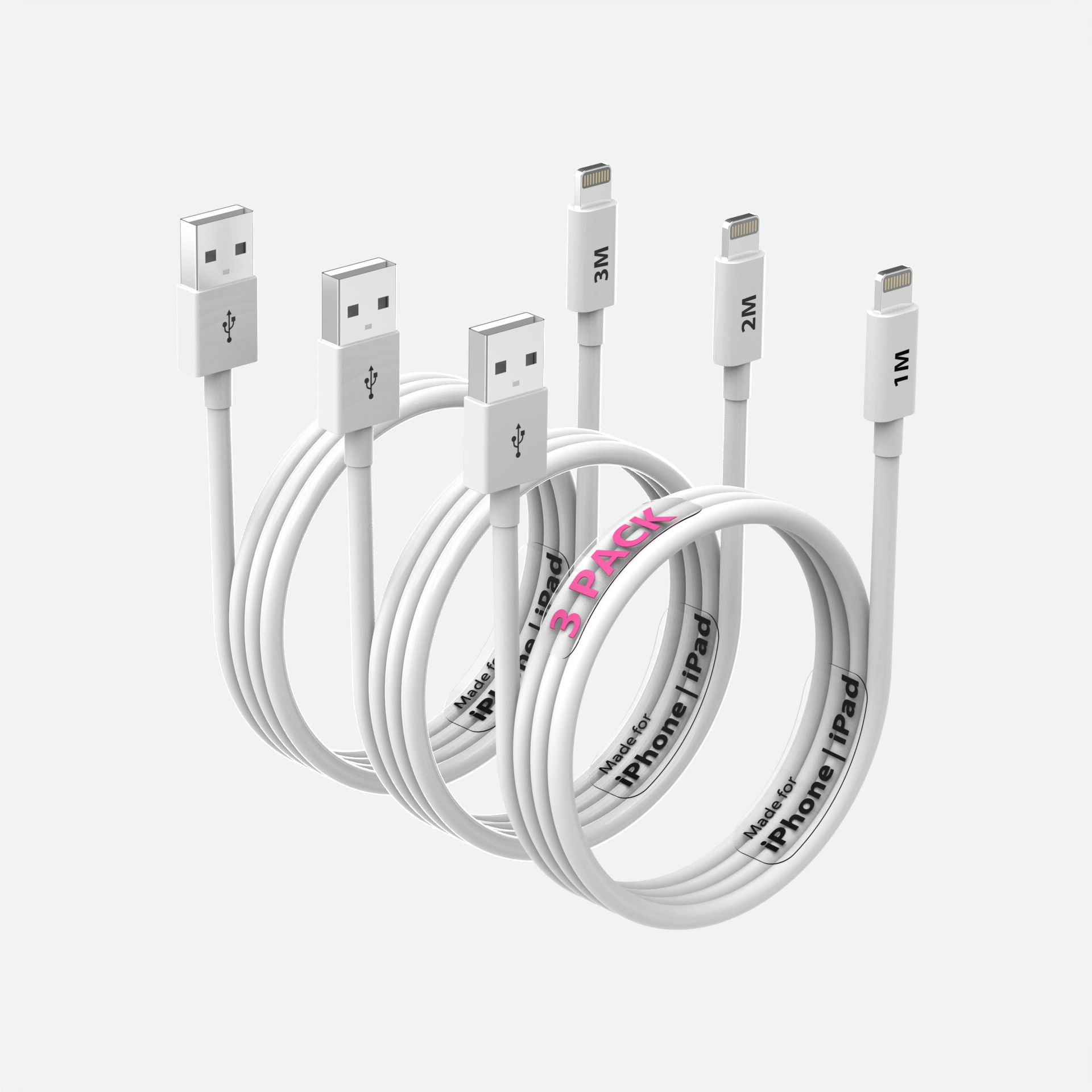
A suppressed listing does not appear in search, which means no sales until it is fixed. Main image problems are one of the most common causes. The good news is that they are usually quick to fix once you know what Amazon is objecting to.
Find the reason first
In Seller Central, the suppressed listings view (under inventory) shows the issue for each ASIN. Read it carefully: the fix for a background problem is different from the fix for a text or accuracy problem.
The most common main image problems
- Background is not pure white. Grey, off-white, gradient or shadowed backgrounds.
- Product does not fill the frame. Too small in the image.
- Text, logos, badges or graphics added on top of the image.
- Props or extra items that are not included with the product.
- Image too small for zoom.
- The image does not match the product. Wrong colour, wrong version, or a generated or heavily edited image that misrepresents what ships.
- Mannequins or models in categories where they are not allowed on the main image.
Read Amazon product image requirements explained for the full list and Amazon main image tips that raise CTR once you are compliant.
Quick fixes you can do yourself
- Background: if the product is cleanly cut out, set the background to pure white.
- Size: crop tighter so the product fills most of the frame.
- Text and badges: remove them from the main image; move them to secondary images.
- Props: remove anything not in the box.
Re-upload, then check the listing status again. It can take time for Amazon to re-review.
When the photo cannot be saved
Some images cannot be fixed by editing: the product is shot at a bad angle, the cut-out is rough, the colour is wrong, or the image was generated with AI and does not match the real product. In that case, replace it.
Our Image Rescue is built for exactly this: $350 per product. We model your product properly from your files and deliver a compliant main image plus two supporting angles, rendered from the real dimensions rather than guessed from a photo. Because the model stays on file, the next angle is $95 and a new colourway $70.
Not sure what is wrong? Our free listing image audit checks up to five images against Amazon's main-image specification and accuracy rule and sends you a short written verdict. Request it from our pricing page.
How to avoid it next time
- Keep the main image strictly product-only on pure white
- Use one master image source for every marketplace
- Do not let AI tools "improve" the product in the main image
- Re-check the image whenever packaging or colour changes
Frequently asked questions
Why was my Amazon listing suppressed for the main image?
Most often because of a non-white background, added text or graphics, props, a product too small in frame, or an image that does not match the product. Seller Central shows the specific reason.
How fast can you replace a main image?
Image Rescue usually delivers in 4 to 5 working days, with 48-hour rush at +35% where our queue allows.
Can a 3D render be used as the main image?
Yes. Amazon requires the main image to represent the product accurately on a pure white background; a render built from your real dimensions meets that by construction.
How much does a new main image cost?
Image Rescue is $350 per product, including a compliant main image and two supporting angles. A full listing set starts at $490.
See this quality on your own product
First-time clients get a complete, high-resolution 3D render of their product for $130. Judge the quality before committing to a full package.